15 Best Apps Like WhatsApp – Top WhatsApp Alternatives


28 January, 2026
WhatsApp is used by over 2 billion people worldwide, making it one of the most popular messaging apps. Its appeal comes from being free, easy to use, and available on almost all devices.
However, despite WhatsApp’s enormous reach, many users are searching for alternatives due to the growing emphasis on privacy and decentralisation in the digital world. Privacy concerns have played a big role in this shift. As per the records, WhatsApp was fined €5.5 million by the Irish Data Protection Commission and €225 million by EU regulators in 2021 for violating privacy rules.
Another issue that caused users to lose trust was WhatsApp forcing people to accept its updated privacy policy or stop using the app. This has led many to search for messaging apps that respect their privacy and give them more control over their data.
Apart from privacy, some users switch to other apps to access features that WhatsApp lacks. For instance, WhatsApp is not ideal for team collaboration, sharing large files, or hosting meetings.
We reviewed several WhatsApp alternatives by looking at their speed, features, privacy policies, and overall user experience. After comparing all the important points, we selected the best apps that can be used as reliable alternatives to WhatsApp. A professional mobile application development company would also consider these factors when choosing or building a secure messaging app.
Before diving into our list, here are some key points to keep in mind when choosing a WhatsApp alternative.
How to Pick the Right WhatsApp Alternative
When looking for the best WhatsApp alternative, you should keep these key points in mind:
- Privacy and Encryption: The app should have end-to-end encryption to keep your messages and calls secure. This ensures that only you and the person you’re chatting with can read your messages.
- Messaging and Calls: Make sure the app supports text messaging, voice calls, and video calls. These basic features are essential for it to be a true WhatsApp alternative.
- File Sharing: A good alternative should let you send photos, videos, documents, and other files easily. It should maintain file quality while keeping your data safe.
- Platform Compatibility: Check which devices the app works on. Most messaging apps support iOS, Android, and desktop or web versions, so you can stay connected across all your devices.
- Cost: Ideally, the app should be free for regular users. But if it offers strong security and extra features, paying a small fee can be worth it.
- User Base: The app should have enough users in your area. Otherwise, it might be hard to convince friends and family to switch to a new platform.
Partner with experts to create your own WhatsApp alternative.
Want to Create the Next Popular Messaging App?
Kickstart Your Messaging App Today!
Check Out The Best 15 WhatsApp Alternatives in 2026
If you are ready for a better messaging experience, here are the top-rated substitutes to try right now. Let’s break down what makes each one stand out.
1. Telegram
Best for: Personal chats, large communities, and business use
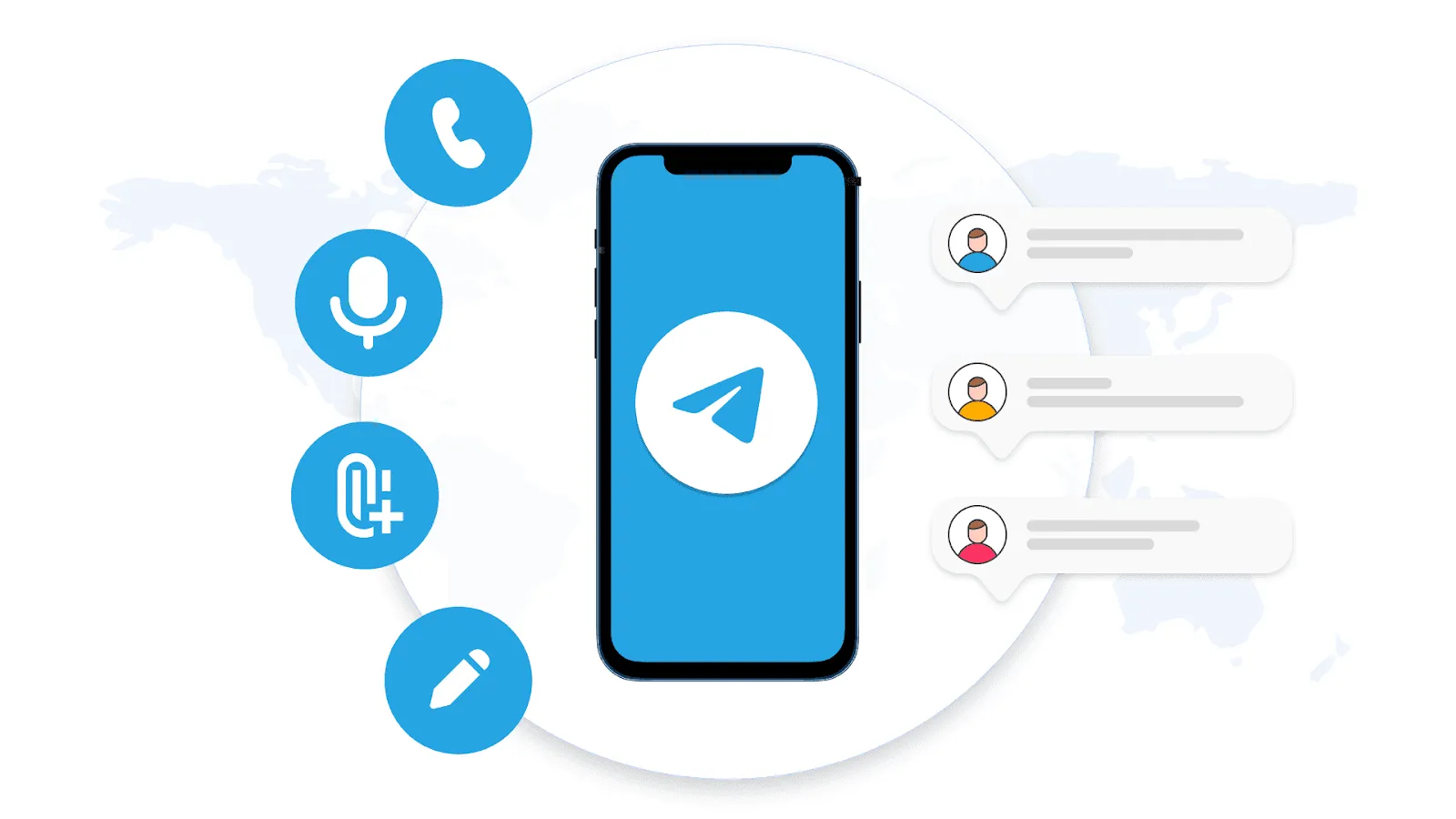
Telegram is a widely used messaging app with over 800 million monthly active users. It works similarly to WhatsApp, allowing you to send messages, make calls, and create groups.
It is especially useful for large communities, as each group can hold up to 200,000 members, which is far more than WhatsApp allows. Telegram also has new features for groups, like stories, emoji status, and voice-to-text.
Telegram offers optional end-to-end encryption, so you can choose when to enable it. Messages are stored in the cloud, which means they sync across all your devices. A unique feature of Telegram is bots, which are small programs inside the app to add extra functionality.
In 2024, Telegram added new business features, including custom start pages, preset replies, chatbots, business hours, and more. It also introduced ad revenue sharing for public channels with 1,000+ subscribers. However, some of these features are paid under Telegram Premium.
Pros & Cons of Telegram
| Pros | Cons |
| Supports up to 200,000 members in groups | Group chats do not have end-to-end encryption |
| Self-destructing messages | Not as secure as some other alternatives |
| Multiple account support without logging out | Some advanced features require payment |
| Share large files up to 2GB | |
| Unique usernames for easy sharing | |
| Telegram Business Premium for companies |
2. Viber
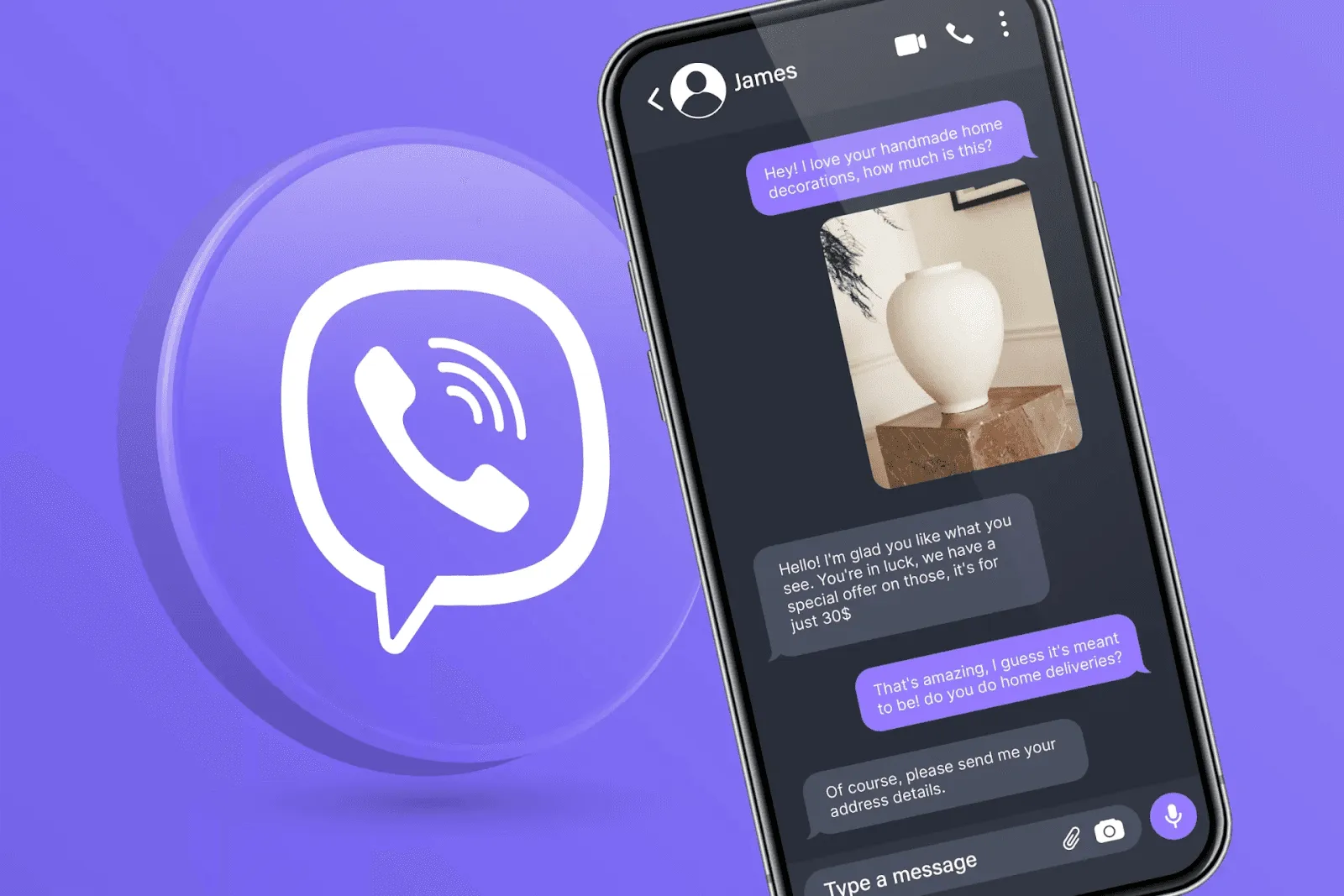
Best for: Everyday messaging, voice/video calls, and low-cost international calls
Viber is a secure messaging app developed by Rakuten. It uses end-to-end encryption for all messages, calls, and group chats to keep your data private. For extra security, you can start secret chats that are hidden and self-destruct.
A standout feature is Viber Out, which lets you make international calls to phone numbers even if the other person doesn’t have the app, at affordable rates. Messages on Viber can be edited or deleted, and you can create groups with up to 250 members.
Viber also offers Communities, where you can connect with people worldwide to discuss hobbies, interests, or topics you like. Businesses can use Channels to share updates and announcements with followers.
For fun, Viber has AR filters in partnership with Snapchat, lets you doodle on photos, and create custom stickers for a personalized chat experience.
Pros & Cons of Viber
| Pros | Cons |
| End-to-end encryption for messages and calls | Can use a lot of device resources |
| Secret chats for extra privacy | |
| Multi-device support with sync across devices | |
| Backup chats to Google Drive | |
| AR filters and custom stickers | |
| Viber Out for calling non-Viber users worldwide | |
| Communities and Channels for social and business use |
Also Read: How Much Does It Cost to Create a Chat App Like WhatsApp?
3. Threema
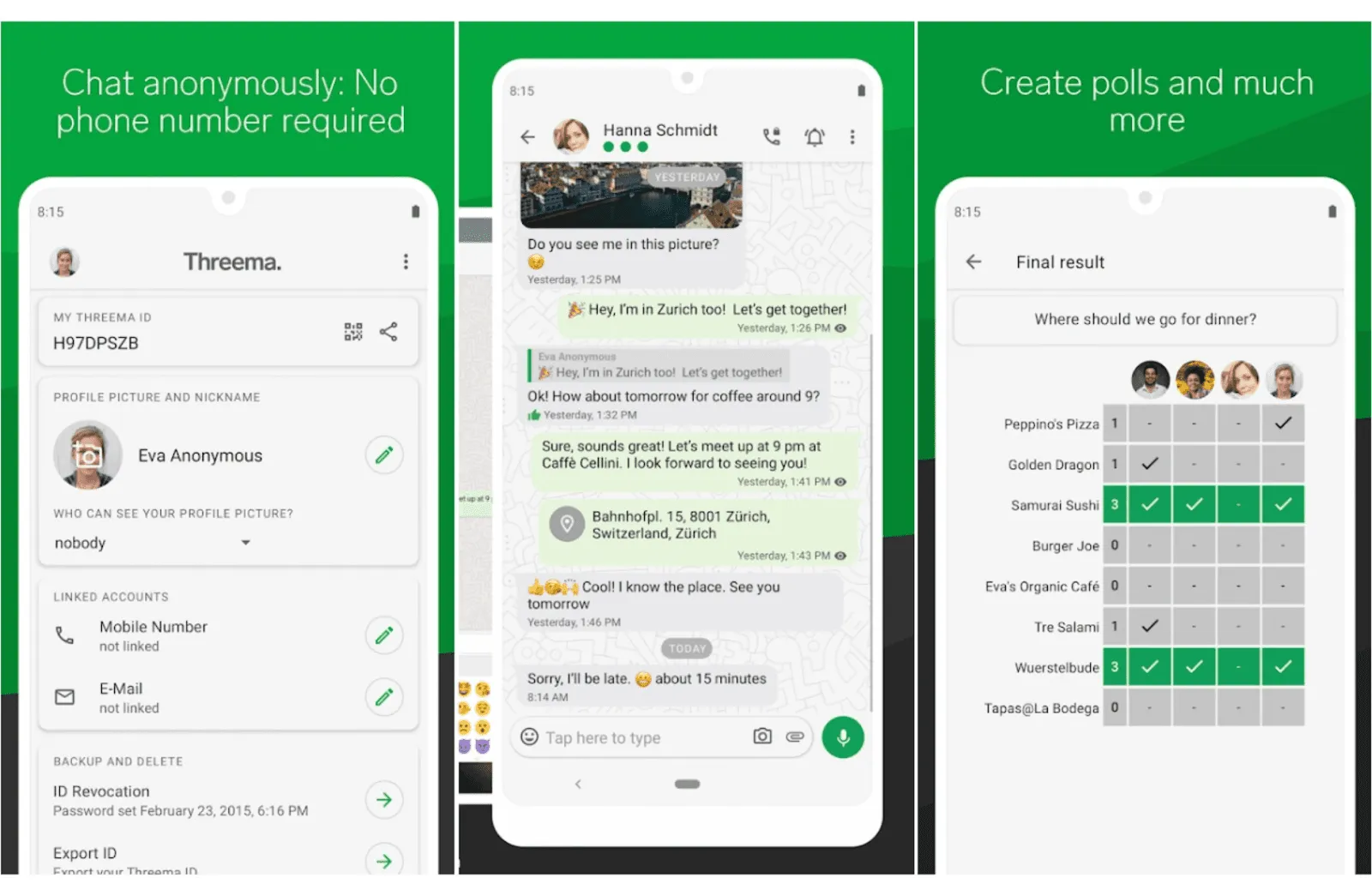
Best for: Private users (Threema) and businesses (Threema Work)
Threema is a paid messaging app known for its strong privacy and security, making it one of the best alternatives to WhatsApp. Every message, call, and file is end-to-end encrypted, so not even Threema can read your data.
You don’t need to share personal information to use it you can stay completely anonymous. No phone number, email, or address is required. Threema is also GDPR-compliant, and you can verify contacts via QR code to prevent attacks.
The app allows you to send messages, make voice calls, and send video messages. You can also format text with bold, italics, and strikethrough, and create groups of up to 256 members. A one-time license fee is required ($4.99 on Android, $8.99 on iOS), but it’s worth it for privacy-focused users.
For businesses, Threema Work offers a secure platform for company communication, making it a strong alternative to WhatsApp for professional use.
Pros & Cons of Threema
| Pros | Cons |
| Strong end-to-end encryption | Paid app (one-time fee) |
| Can be used anonymously | Small user base |
| Based in Switzerland with strong privacy laws | |
| Data is stored on users’ devices no cloud storage risk | |
| Contact verification via QR code | |
| Supports polls, text formatting, and group chats |
4. Wire
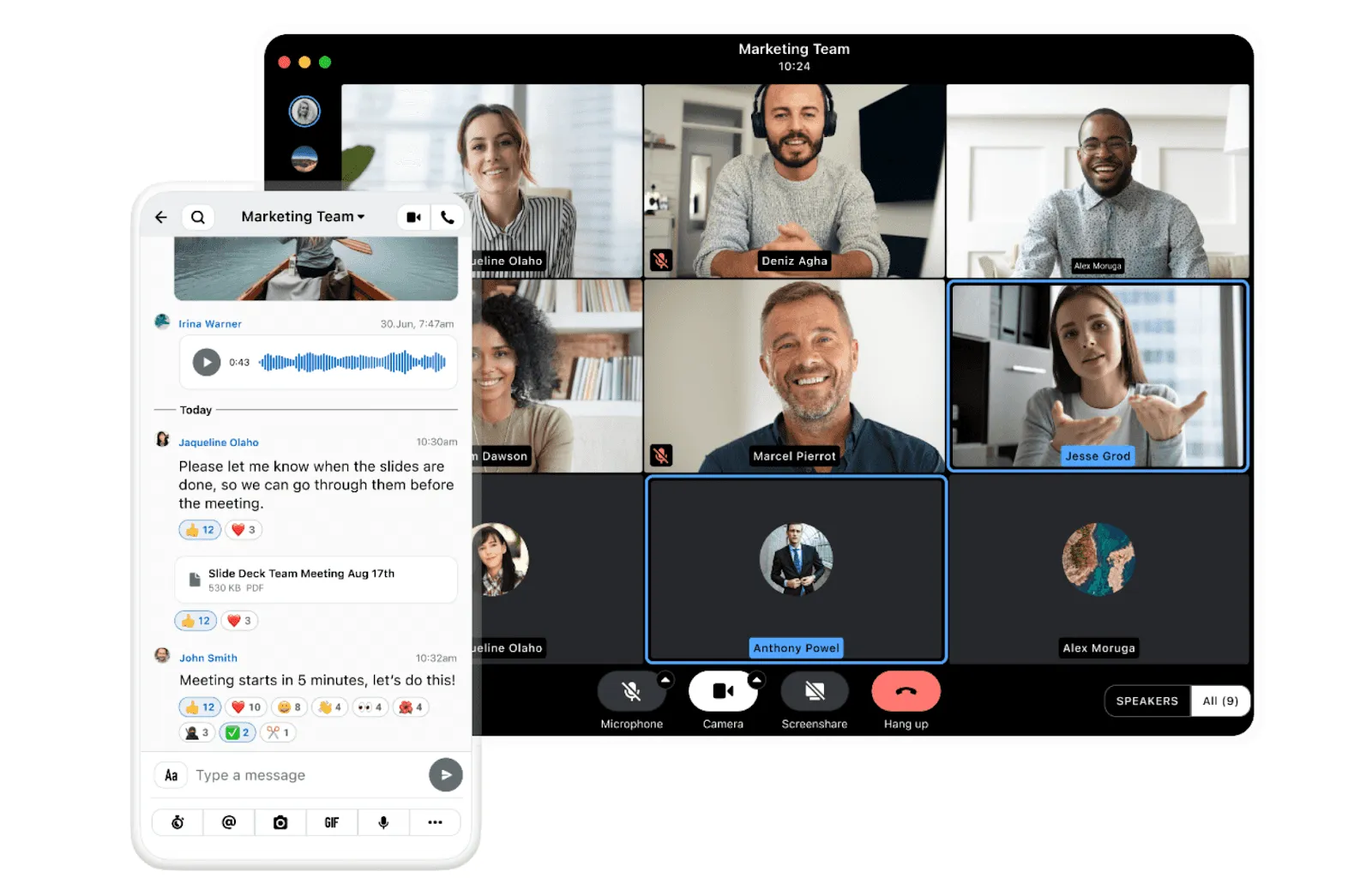
Best for: Private users and businesses
Wire is a secure messaging app designed for confidential communication. Whether you are an individual or a business, it keeps your messages, calls, and files fully private.
It uses zero-knowledge encryption, which means not even Wire can read your data. All communication is end-to-end encrypted, and it is built on the world’s first open protocol for secure real-time messaging.
Wire supports text messages, voice calls, and file sharing. You can also host secure audio and video conferences for up to 100 participants. Individuals can use Wire for free, while businesses can pay for premium features. It also offers Wire Cloud or on-premises storage, giving companies more control over data.
Pros & Cons of Wire
| Pros | Cons |
| End-to-end encryption with zero-knowledge security | Occasional bugs |
| Supports multiple accounts and devices | Limited features compared to some alternatives |
| Open-source and secure messaging with Messaging Layer Security (MLS) | |
| GDPR-compliant | |
| Secure audio/video calls and conferences | |
| Desktop version supports screen-sharing |
5. LINE
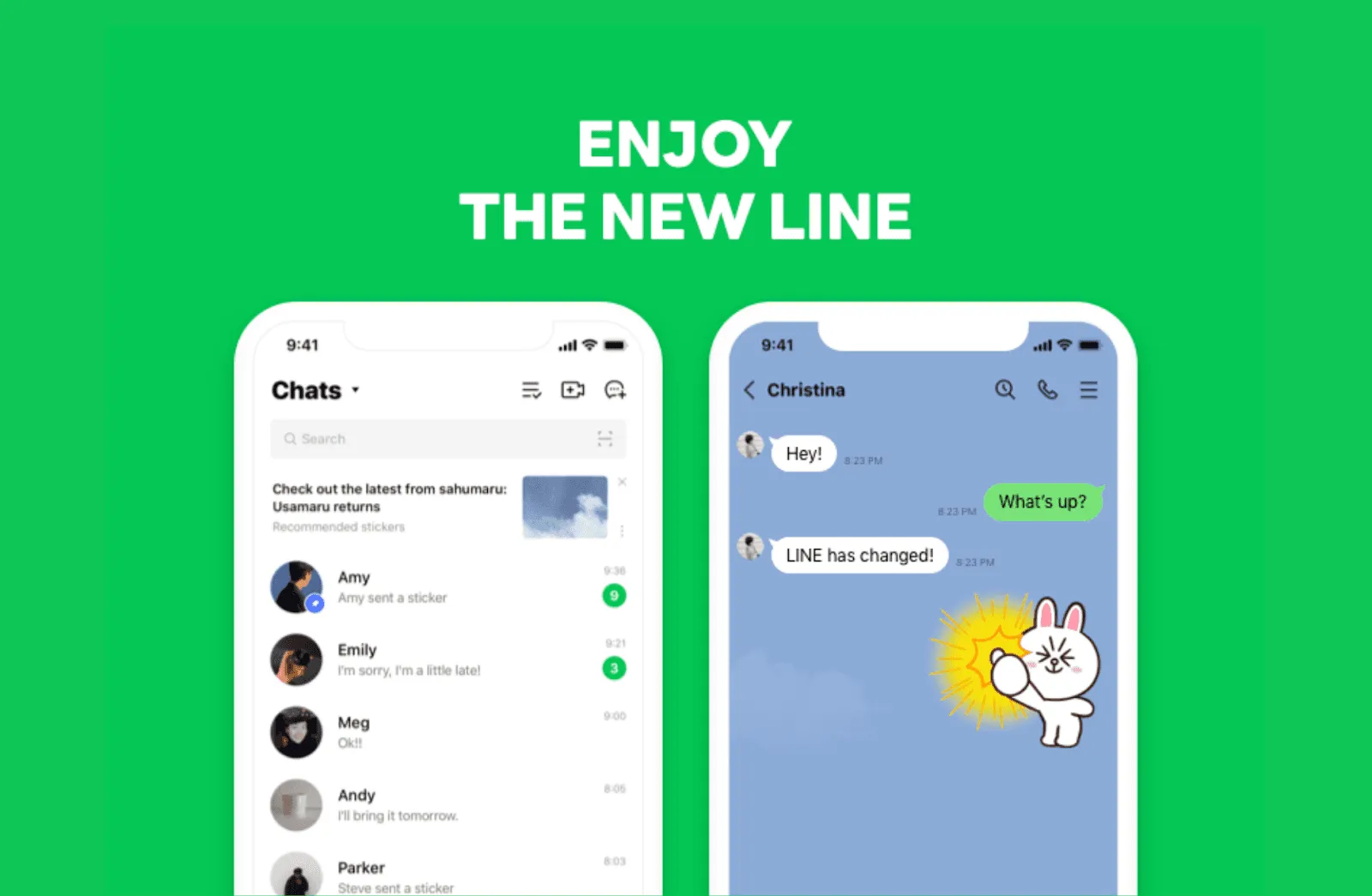
Best for: Daily messaging, calls, payments, and social features
LINE is more than just a messaging app. In addition to texts, voice, and video calls, it also lets you connect with new people, explore creator content, and follow accounts, making it feel like a mini social media platform.
LINE also includes Line Pay, which allows you to send and receive money and access other financial services. Beyond messaging, LINE offers a suite of apps like LINE NEWS, LINE Doctor, LINE MUSIC, games, and more.
The app uses end-to-end encryption to keep your messages and calls secure. You can also make international calls to people who don’t use LINE.
Pros & Cons of LINE
| Pros | Cons |
| LINE VOOM for short-form videos and gaining followers | Can feel complicated for new users |
| App passcode for extra privacy | Most popular only in certain regions (e.g., Japan) |
| Timeline for status updates | |
| Profile customization with picture, cover photo, status, and link | |
| Supports payments and financial services (Line Pay) | |
| Part of a large app ecosystem including news, music, and games |
6. Element
Best for: Team communication and collaboration
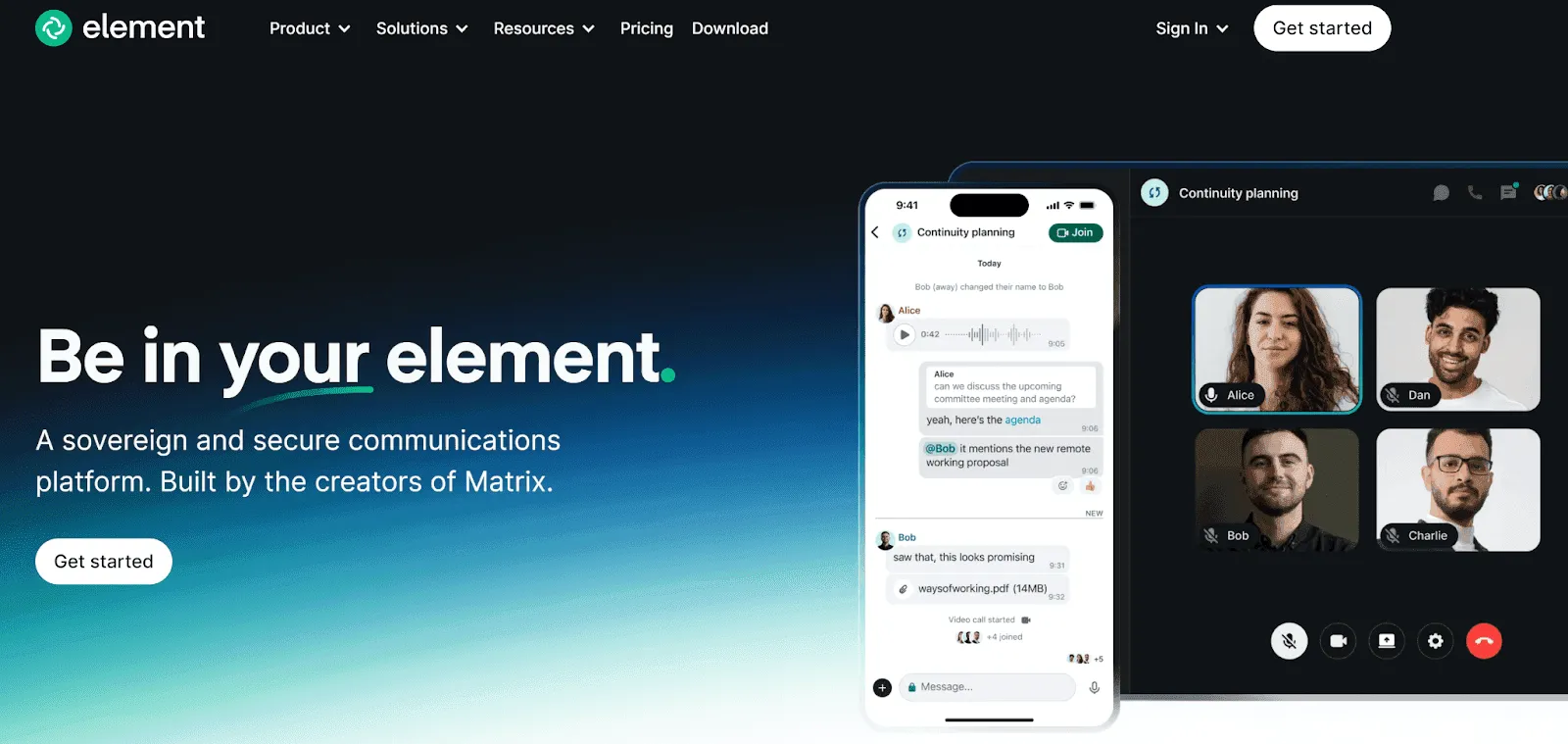
Element is a messaging app designed for teams. It supports text messaging, audio calls, and video conferences, including unlimited 1-on-1 and group calls.
The app uses end-to-end encryption to keep all conversations private. It is also decentralized, which means there is no single point of failure, and you maintain full control over your data. This makes Element one of the most secure collaboration tools available.
Pros & Cons of Element
| Pros | Cons |
| End-to-end encryption for complete privacy | Takes time to learn; not as simple as WhatsApp |
| Decentralized no single point of failure | Smaller user base |
| High-quality audio and video calls | |
| No tracking of personal data | |
| Ideal for team collaboration and project communication |
Also Read: Top 25 Apps Like Kik
7. Signal
Best for: Daily personal messaging and calls
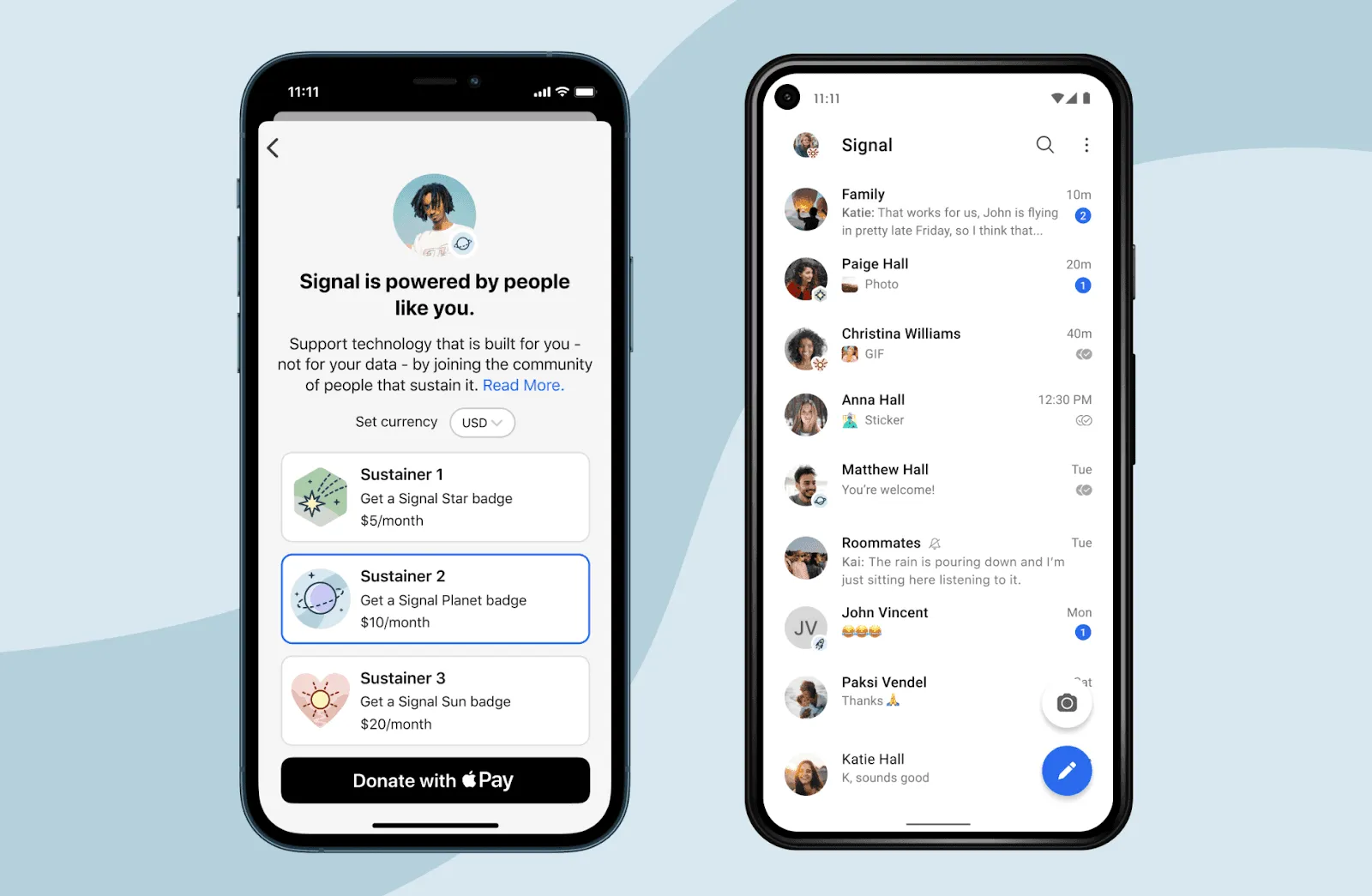
If privacy is your top priority, Signal is one of the best alternatives to WhatsApp. It offers strong security and keeps your messages, calls, and data completely private.
Signal uses end-to-end encryption, meaning only you and the person you’re chatting with can read the messages. Unlike WhatsApp, it is not owned by Meta, giving users extra peace of mind.
The app supports text messages, voice calls, and video calls, along with features like message formatting, message scheduling, disappearing messages, screen sharing (desktop), and in-app payments in certain regions. Signal is free and focused on privacy above all else.
Pros & Cons of Signal
| Pros | Cons |
| End-to-end encryption for maximum privacy | No cloud backup to recover messages |
| Prevents screenshots for extra security | Not ideal for business or team collaboration |
| Disappearing messages for self-destructing chats | |
| Simple, user-friendly interface | |
| Edit messages up to 10 times in 24 hours | |
| No tracking of personal data |
8. WeChat
Best for: Messaging, calls, payments, short videos, and daily services
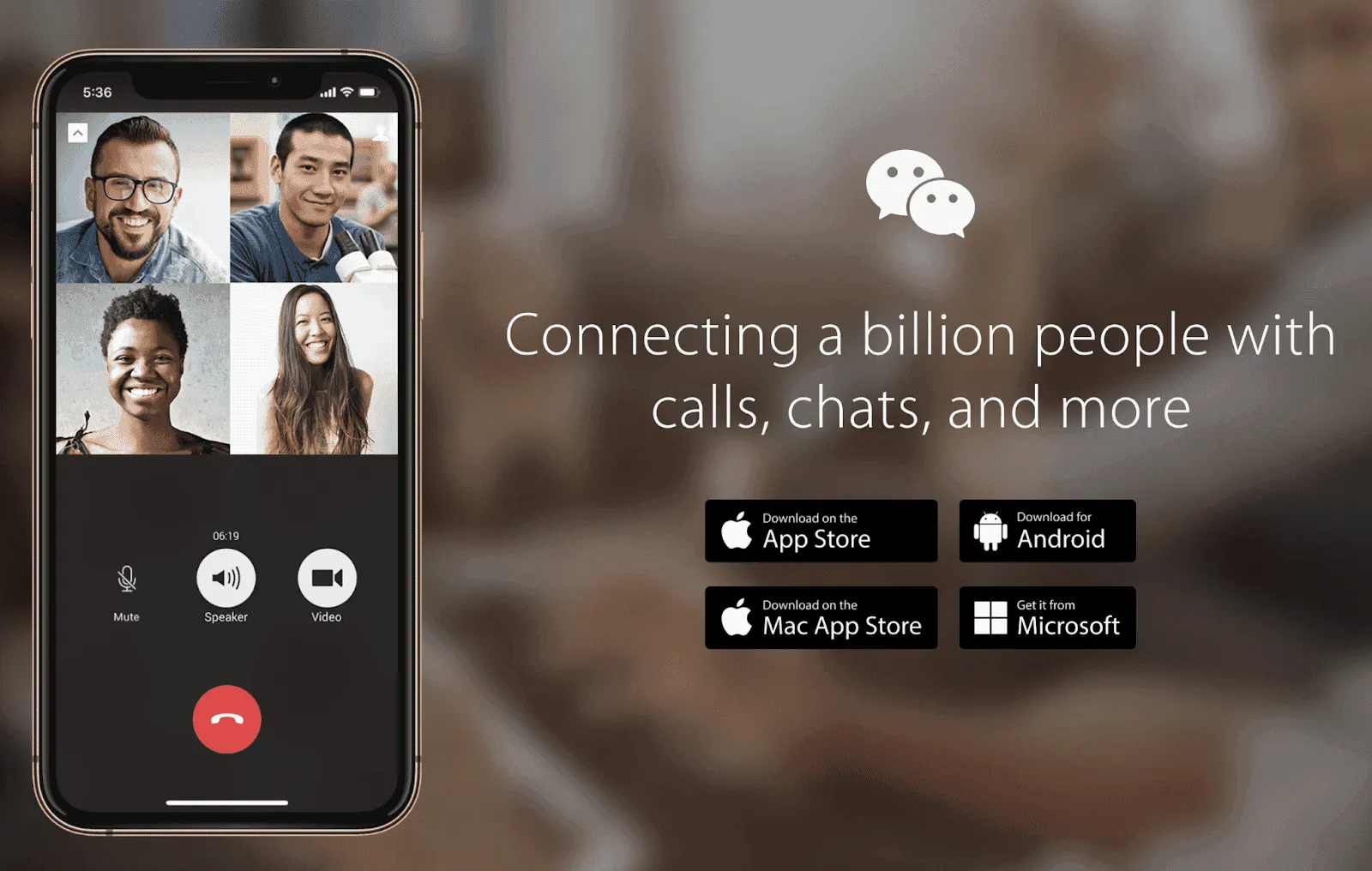
WeChat is an all-in-one app that combines messaging, social media, payments, and everyday services in one platform. It allows you to send texts, voice messages, make calls, and video calls, and create groups for friends, family, or work. You can also find nearby people to connect with.
A unique feature of WeChat is the Discover tab, where you can see updates from your contacts and share your own moments. WeChat also has Channels, a short-video platform where you can follow content creators and enjoy trending content.
Beyond messaging, WeChat provides financial services, like sending and receiving money, paying bills, generating QR codes, and more. It also offers services like booking flights, hotels, public services, health apps, charity contributions, and discounts.
WeChat uses AES 256 encryption to protect your data and does not keep messages on its servers for long most are deleted within 72–120 hours.
Pros & Cons of WeChat
| Pros | Cons |
| Supports messages, calls, and video calls | Most features are only fully available in China |
| Channels for short videos and content | Privacy concerns for international users |
| Discover tab to share and view updates | |
| In-app payments and QR codes | |
| Built-in search and translation features | |
| Reminders and daily utility services |
9. imo
Best for: Everyday messaging and calls with friends and family
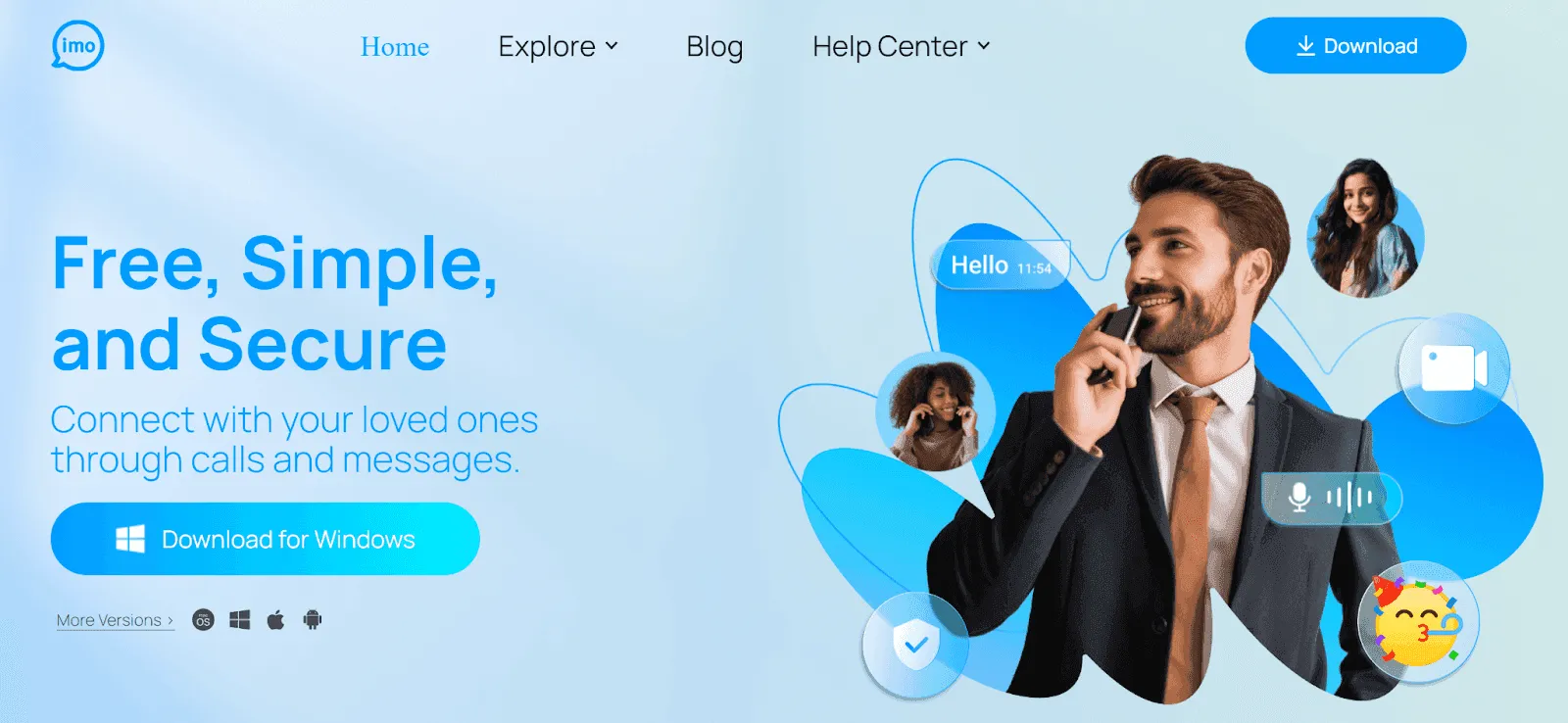
imo is a free messaging app designed mainly for staying connected with friends and family. It supports text messages, voice calls, video calls, and group chats. A useful feature is cross-platform calling, where you can call people on other apps by simply sharing a link.
The app works well for international communication and includes real-time message translation, making conversations easier across different languages.
For security, imo uses end-to-end encryption and two-step verification to protect user accounts. It has also added new privacy tools, such as Time Machine, which lets you delete old conversations at any time. During calls, screenshots are blocked to prevent screen capture. The friend request system also helps stop unknown users from sending unwanted messages.
Pros & Cons of imo
| Pros | Cons |
| Strong privacy and end-to-end encryption | Ads can be annoying |
| Blocks screenshots during voice and video calls | |
| Disappearing messages for private chats | |
| Cross-platform calls using shareable links | |
| Instant message translation | |
| Two-step verification and spam protection |
10. DingTalk
Best for: Team communication, management, and collaboration
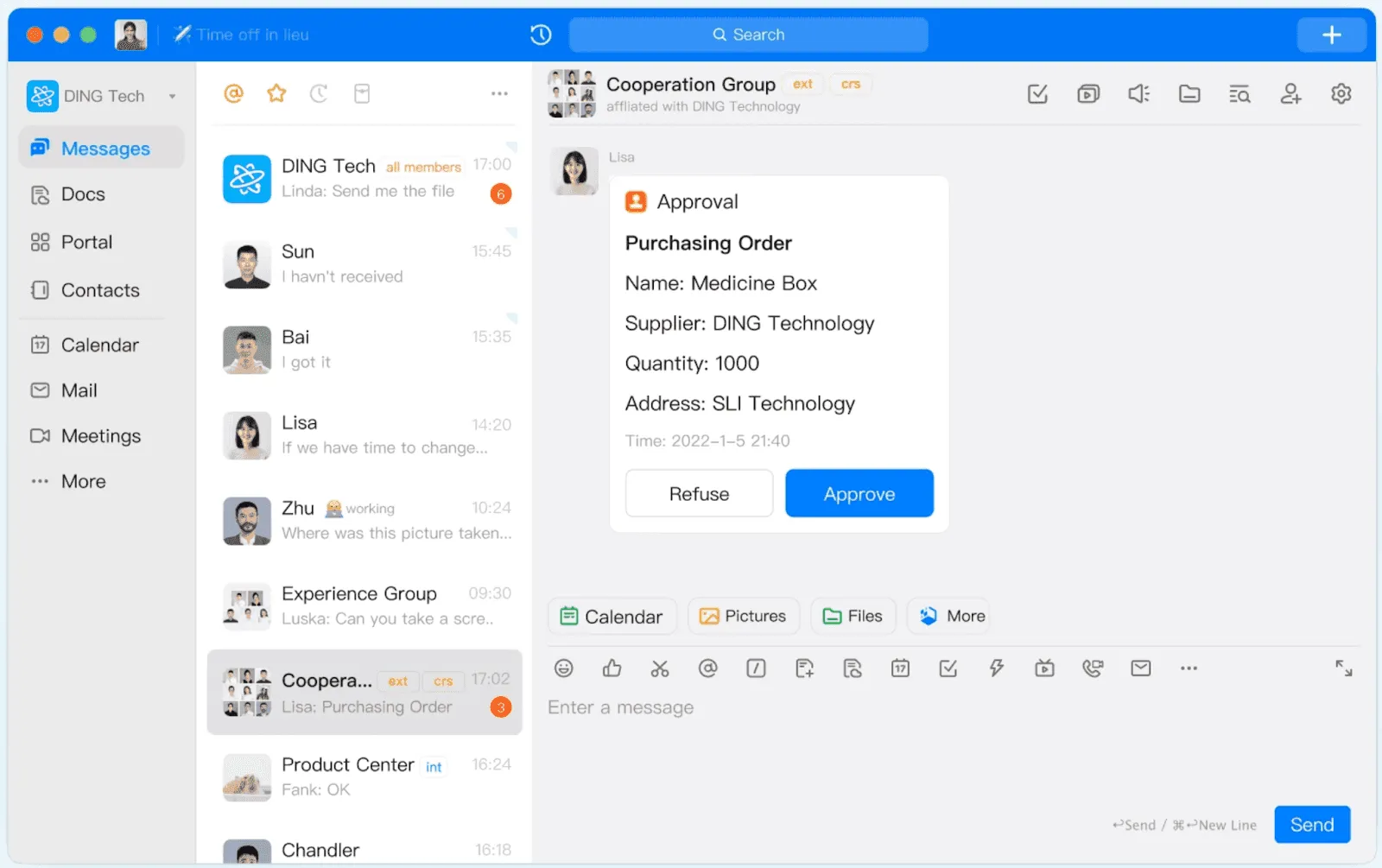
DingTalk is an all-in-one workplace platform built to support team messaging, video meetings, file sharing, and project coordination. It helps teams communicate clearly and stay organized in one place.
The app is easy for employees to use and includes instant messaging, notifications, reminders, task assignments, approvals, and calendar scheduling. Team members can share files, send formatted messages, and manage daily work without switching between tools.
DingTalk supports high-quality video conferences with up to 300 participants and allows users to create groups for ongoing collaboration. It also includes task tracking features, making it useful for managing projects and workflows.
For businesses, DingTalk offers strong encryption and is GDPR-compliant, making it a reliable choice for enterprise communication.
Pros & Cons of DingTalk
| Pros | Cons |
| Secure and efficient team communication | Mostly popular in China |
| Combines messaging, email, file sharing, and project tools | Bugs and occasional app crashes |
| Screen sharing during online meetings | |
| Built-in calendar for better collaboration | |
| Supports large video meetings (up to 300 users) |
Create a custom, secure, and scalable chat app with The Hashtech.
Bring Your Chat App Idea to Life
Book Your Free App Consultation Today!
11. Spike
Best for: Email-based messaging, team communication, and productivity
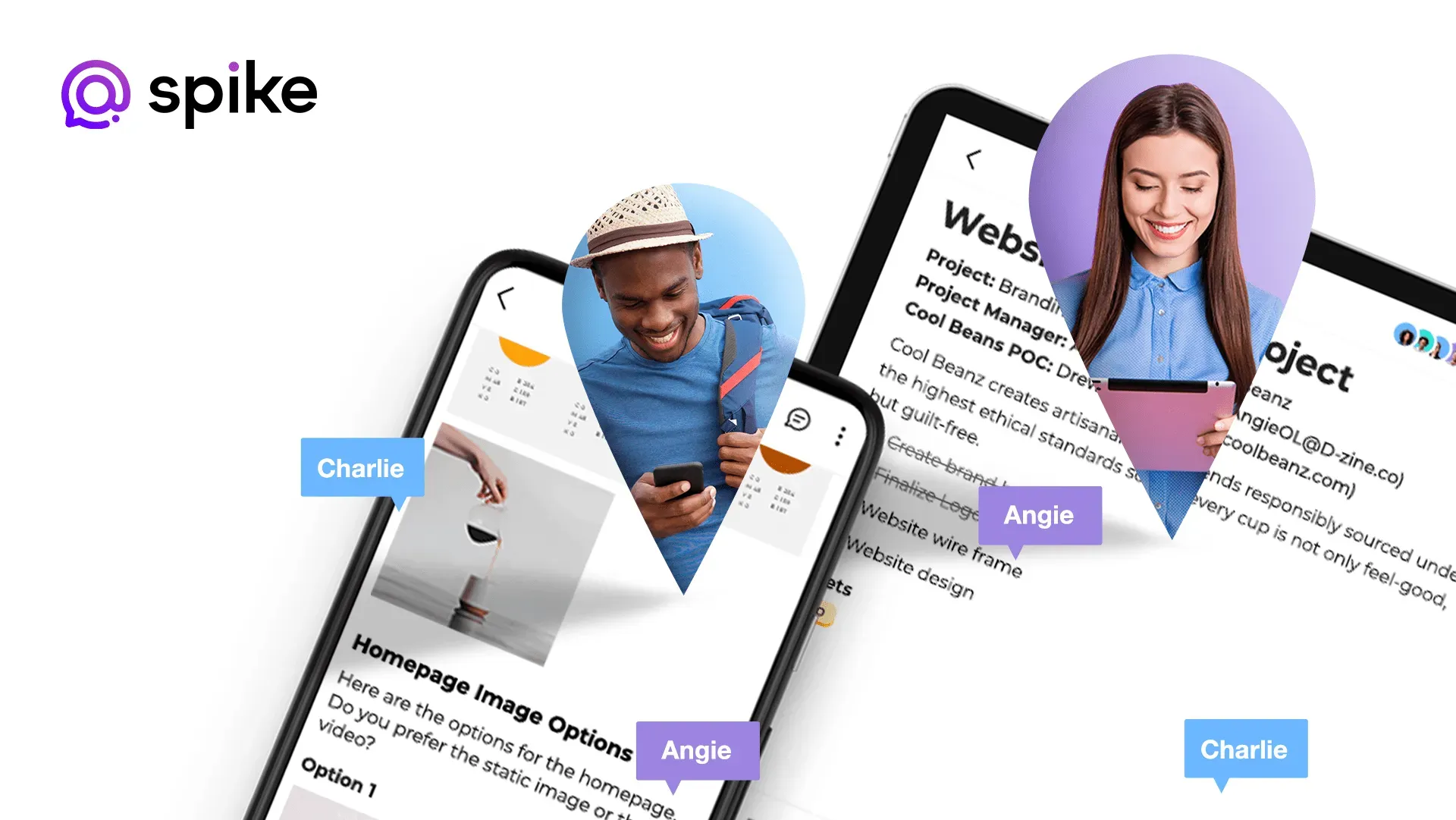
Spike is a modern communication app that combines email, messaging, and collaboration into one platform. Instead of using traditional email threads with subjects and signatures, Spike turns your inbox into chat-style conversations, making communication faster and easier.
Unlike WhatsApp, Spike does not require a phone number. You can sign up using just an email address, which makes it a great option for users who prefer email-based communication.
Spike supports group chats that feel similar to WhatsApp groups. You can quickly create groups and add other Spike users using their email addresses. Members can chat in real time, and Spike also offers private one-to-one messaging, voice notes, and audio and video calls. However, the free version limits users to 10 group chats and does not support group calls.
One of Spike’s biggest strengths is that it works on open email standards. This means you can communicate with people even if they don’t use Spike, making it useful for clients and external teams. For security, all data is protected using AES-256 encryption before being sent or stored.
Spike also includes Magic AI, an AI-powered assistant that helps summarize messages, improve writing, and boost productivity. The app works across web, iOS, Android, Windows, and macOS.
Spike offers a free plan for personal use with one email account. Paid plans unlock advanced features:
- Pro Plan ($4/month): Manage up to 3 email accounts, unlimited search history, and extra storage
- Business Plan ($8/month): Custom email domain (free for the first year), 1 TB storage, and file uploads up to 100 MB
Pros & Cons of Spike
| Pros | Cons |
| Free for personal use | Limited information about the company |
| No phone number required | Free plan limited to 10 group chats |
| Works across web, mobile, and desktop | No group calling in the free version |
| Chat-style email and messaging | |
| AES-256 encryption for data security | |
| AI assistant to improve productivity |
12. Ginlo
Best for: Secure personal messaging and business communication
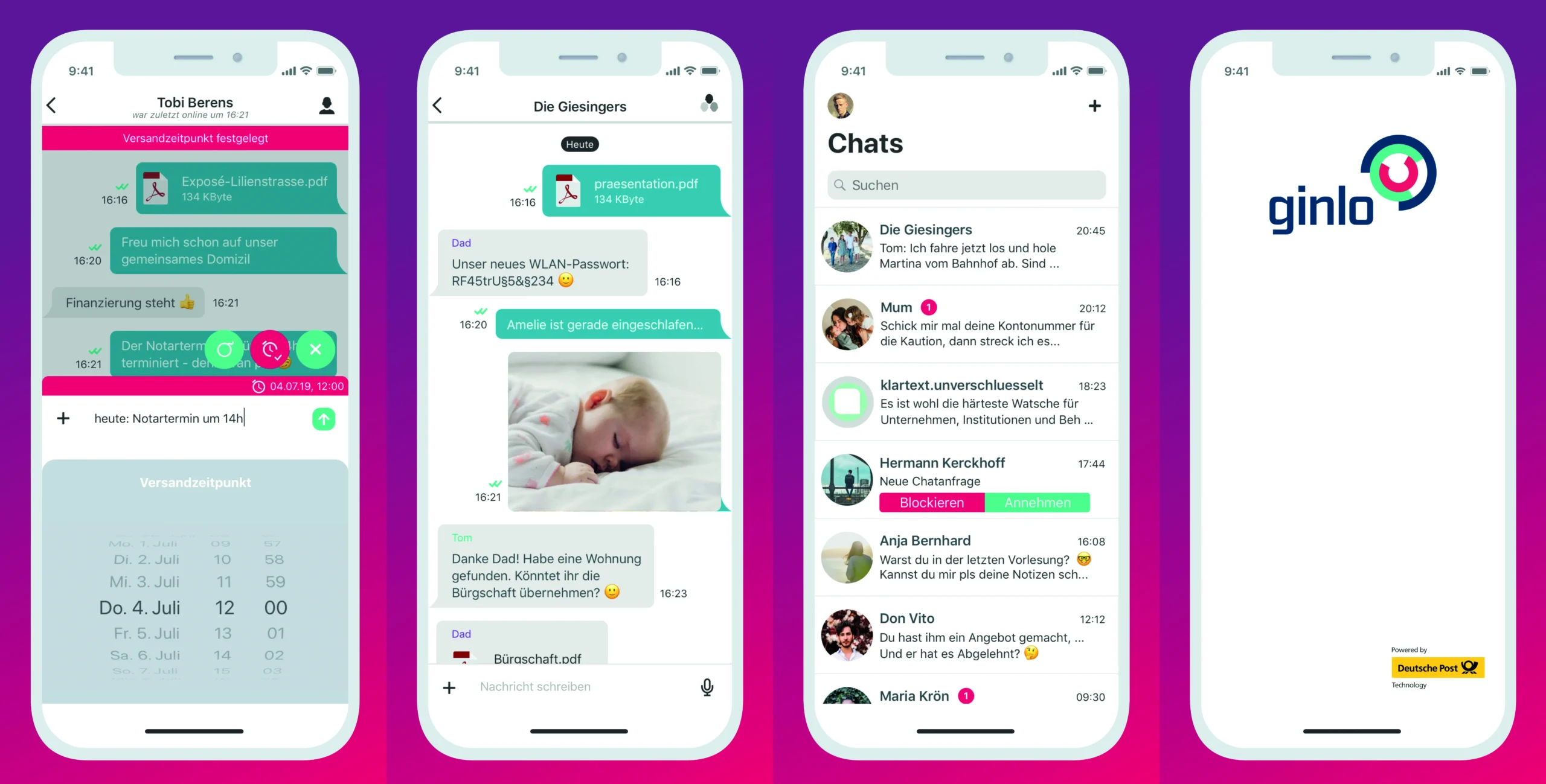
Ginlo is a privacy-focused messaging app developed by ginlo.net, a company based in Germany. It is designed for both individual users and businesses. Like WhatsApp, Ginlo lets users send messages and files for free, but without ads. All communication is protected with end-to-end encryption.
To improve security, Ginlo allows users to verify contacts using a QR code when meeting someone in person. This helps confirm identities and prevents impersonation.
One standout feature is self-destructing messages. Photos, videos, and chats can be set to delete automatically after being viewed. Ginlo also supports scheduled messages, so you can choose a specific time for your message to be sent. In addition, the app offers content channels where users can follow news and updates.
Ginlo is available as a free version for private users and a business edition for companies. Businesses can customize the app’s design to match their brand. Unlike the personal version, the business plan also supports desktop apps for Windows, macOS, and Linux, along with iOS and Android.
Pros & Cons of Ginlo
| Pros | Cons |
| End-to-end encryption for secure communication | Phone number required to sign up |
| Contact verification via QR code | Smaller user base |
| Self-destructing messages | |
| Message scheduling | |
| Business version with brand customization |
13. SimpleX
Best for: Decentralized, high-privacy messaging
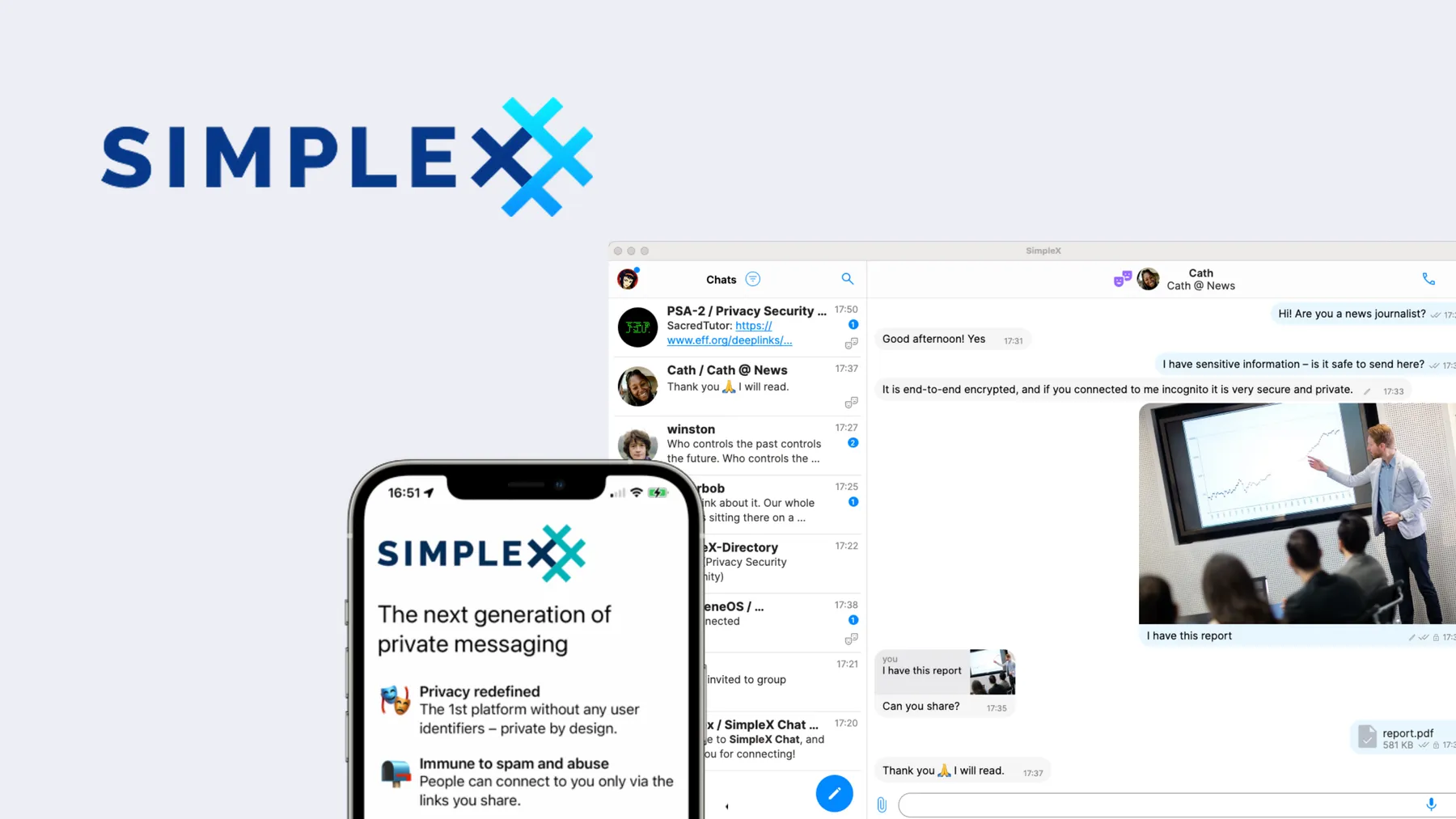
SimpleX is a new and privacy-first messaging app designed for users who want maximum anonymity and security. Since it is newer than many encrypted messengers, it benefits from learning from the privacy flaws of older apps.
One major advantage of SimpleX is that it does not require a phone number, username, or permanent ID. You can connect with others by scanning a QR code, making one-to-one chats and group conversations more secure and private.
Unlike traditional messaging apps, SimpleX uses a decentralized network instead of central servers. This improves reliability and resilience, as there is no single server that can bring the whole system down.
SimpleX also offers a true anonymous mode. Each chat uses temporary, unique identifiers, so it’s impossible to build long-term user profiles or connection graphs. Messages are delivered through anonymous message queues, not fixed user IDs.
Your data stays under your control. Messages are stored on your device, and advanced users can even run their own servers that still connect with other SimpleX users on the network.
While SimpleX is not as widely used as apps like Signal or WhatsApp, it is a strong choice for users who value privacy, safety, and decentralization above popularity.
Pros & Cons of SimpleX
| Pros | Cons |
| No phone number or permanent ID needed | Smaller user community |
| End-to-end encryption enabled by default | Setup can feel technical for new users |
| Fully decentralized network | |
| No reliance on DNS | |
| Option to self-host servers | |
| Strong protection against tracking and profiling |
Bonus Read: Top 25 Cash Advance Apps Like Possible Finance
14. Wickr Me
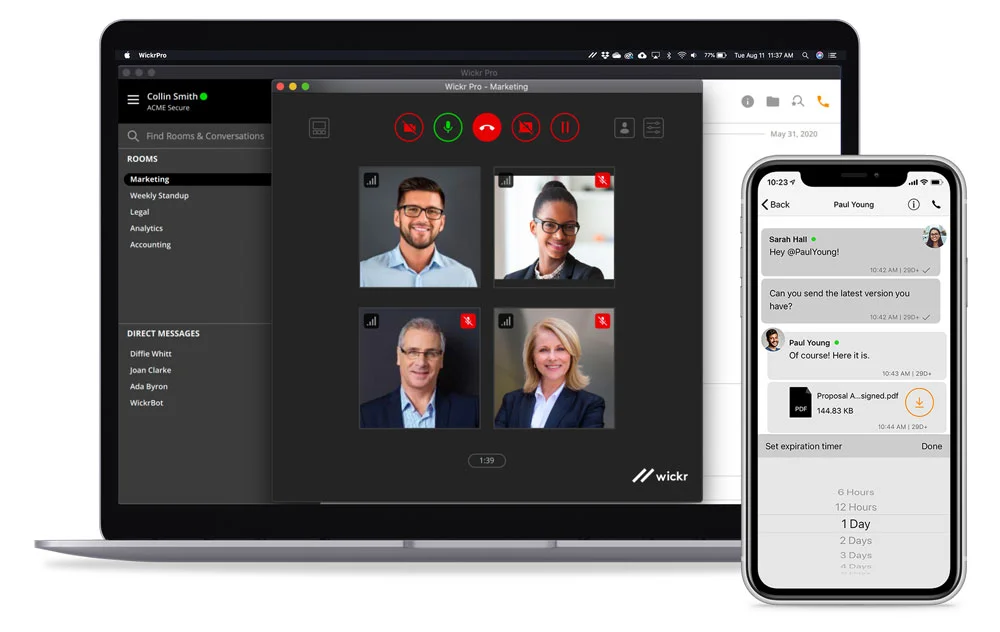
Best for: Highly secure and anonymous communication
Wickr Me is a privacy-focused messaging app trusted for high-security communication. It has even been recommended for use by military units in sensitive environments, which speaks strongly to its security standards. This makes Wickr Me a reliable WhatsApp alternative for users who care deeply about privacy.
The app uses anonymous accounts, meaning you don’t need to share personal information like a phone number or email address. Since Wickr doesn’t collect user metadata, common privacy issues seen in other messaging apps are avoided.
A key feature of Wickr Me is ephemeral messaging. All messages, images, and files automatically delete themselves after a time period you choose. This ensures that even if someone gains access to your device, there is no stored data to recover.
Wickr Me uses strong end-to-end encryption to protect all communication. Combined with self-destructing content, this creates a highly secure messaging environment. The app is available on Android, iOS, Windows, macOS, and Linux, making it easy to use across devices.
Pros & Cons of Wickr Me
| Pros | Cons |
| Anonymous accounts with no personal data required | Smaller user base |
| Strong end-to-end encryption | Limited features beyond secure messaging |
| Self-destructing messages and files | |
| No metadata tracking | |
| Available on mobile and desktop platforms |
15. Google Messages
Best for: Android users
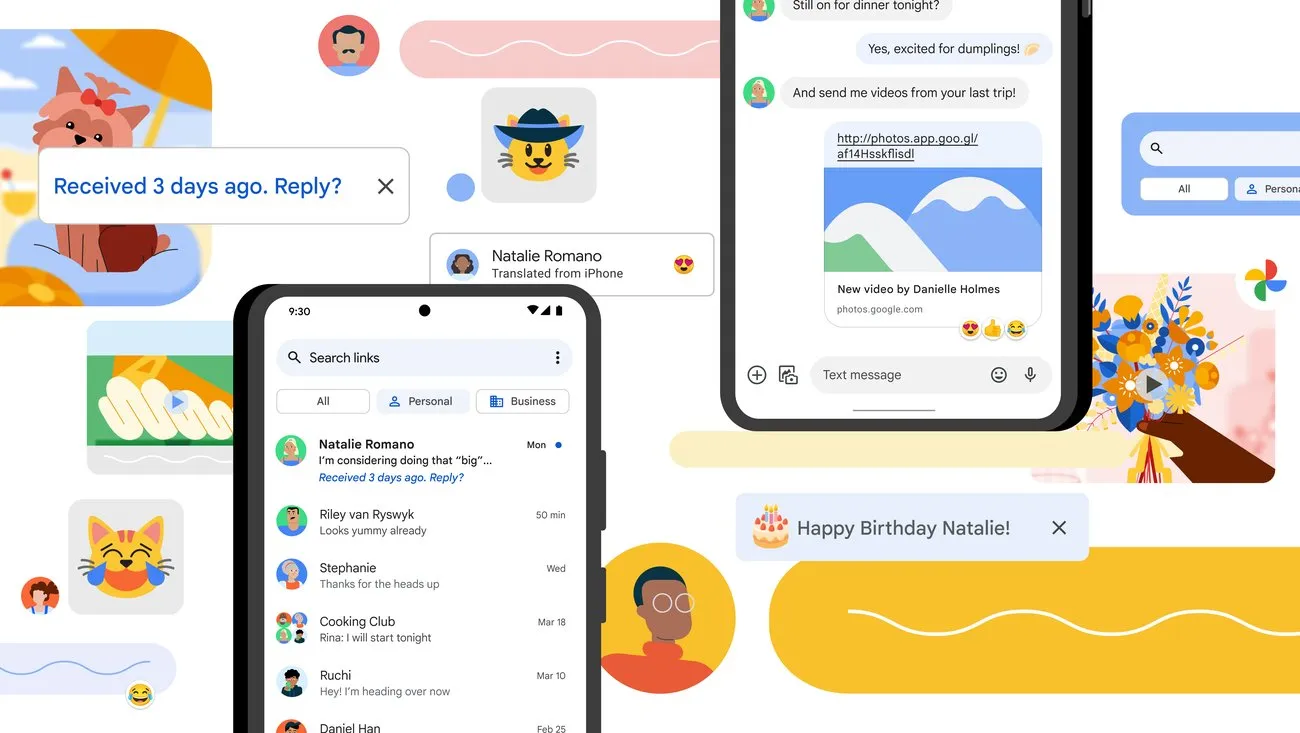
Google Messages is Google’s built-in messaging app for Android and works much like iMessage on iPhones. It comes pre-installed on most Android devices, and you can also download it from the Google Play Store. The app is designed to replace traditional SMS and offer a modern chat experience for Android users.
When you message other Android users, chats are protected with end-to-end encryption. Google Messages is also deeply integrated with Google services, making it smooth and familiar for Android users. You can send photos, videos, files, and text messages, similar to WhatsApp.
To use Google Messages on a computer, you must link your phone to a web browser, similar to WhatsApp Web. There is no separate desktop app for Windows or macOS.
A major drawback is that encryption only works between Android devices. Messages sent to iPhone users fall back to regular SMS, which is not secure. Because of this limitation, Google Messages is not ideal for cross-platform communication.
Also, Google Messages does not include voice or video calls. For calling, users must rely on Google Meet, which is a separate app available on Android and iOS.
Pros & Cons of Google Messages
| Pros | Cons |
| End-to-end encryption between Android users | Only works fully with Android devices |
| Simple and easy to use | No built-in voice or video calls |
| Supports images, videos, and file sharing | Messages to iPhones are not encrypted |
| Pre-installed on most Android phones | Requires phone linking for desktop use |
Overview of WhatsApp Alternatives
| App | Available On | Encryption | Number of Users | Cost |
| Viber | iOS, Android, macOS, Windows, Linux | End-to-end | 800M+ | Free |
| Telegram | iOS, Android, macOS, Windows, Linux | Client-to-server (default) & end-to-end (secret chats) | 700M+ | Free |
| Signal | iOS, Android, macOS, Windows, Linux | End-to-end | 100M+ | Free |
| Threema | iOS, Android, macOS, Windows, Linux | End-to-end | 12M+ | From $3.50 |
| Spike | iOS, Android, macOS, Windows | AES-256 | 100K+ teams | Free |
| Ginlo | iOS, Android, macOS, Windows, Linux (for business) | End-to-end | Unknown | Free (private users) |
| Wire | iOS, Android, macOS, Windows, Linux | End-to-end | Unknown | Free (private users) |
| LINE | iOS, Android, macOS, Windows | End-to-end | 220M+ | Free |
| Element | iOS, Android, macOS, Windows, Linux | End-to-end | Unknown | Free |
| iOS, Android, macOS, Windows | AES-256 | 1.2B+ | Free | |
| imo | iOS, Android, Web | End-to-end | 300M+ | Free |
| DingTalk | iOS, Android, macOS, Windows | End-to-end | Unknown | Free |
| SimpleX | iOS, Android, Web | End-to-end | Small / Growing | Free |
| Wickr Me | iOS, Android, macOS, Windows, Linux | End-to-end | Unknown | Free |
| Google Messages | Android | End-to-end (Android-to-Android only) | Pre-installed on most Android devices | Free |
More WhatsApp Alternatives to Consider
So far, we’ve covered some of the best WhatsApp alternatives, including where to find them and how they work. Still, there are many more messaging apps available today. In this guide, we focused only on apps that offer encryption, good usability, and features similar to WhatsApp.
Whether you choose a well-known app like Signal, trusted for its strong privacy, or try a decentralized option like Session, one thing becomes clear: messaging feels more comfortable when you know your personal data is protected.
Some users may continue using apps like Discord and Facebook Messenger to stay in touch with friends who haven’t left the Meta ecosystem yet. While this can be convenient, it’s important to understand that Meta still tracks user activity, even if some privacy settings are enabled.
At the end of the day, there is no one-size-fits-all solution. The right messaging app depends on your needs and the people you communicate with. With so many choices available, you can easily find a platform that offers the right balance of privacy, features, and ease of use for you and your friends.
WhatsApp Controversies and Security Concerns
Since WhatsApp became part of Facebook (now Meta), its public image has slowly declined. Each new controversy involving Meta affects WhatsApp as well. Although WhatsApp is still the most widely used messaging app, with over 2 billion active users, more people are now questioning whether it is still the best choice for private communication.
One major reason users search for apps similar to WhatsApp is its weak privacy reputation. Over time, WhatsApp has introduced features many users didn’t ask for, such as Meta AI integration and advertisements, which have increased concerns about data use.
A turning point came in 2021, when WhatsApp updated its privacy policy. This update caused confusion and fear that user data would be shared more closely with Meta. Even though WhatsApp stated that messages remain end-to-end encrypted, the situation highlighted how deeply WhatsApp is connected to Meta’s wider ecosystem. As a result, privacy-focused apps like Signal saw a massive rise in users.
Meta’s business model is built on offering “free” services while collecting user data to fuel advertising and analytics. WhatsApp, Facebook Messenger, and even newer platforms like Threads all exist within this same system. This raises concerns about centralized control and limited real choice, especially when Meta owns multiple competing messaging platforms.
Secure communication should not require users to give up their personal data or online privacy. Large tech companies can build detailed profiles based on behavior, location, and usage patterns. As former Google CEO Eric Schmidt once pointed out, tech platforms can often predict what users think or do based on their data.
Thankfully, this doesn’t have to be the norm. There are many WhatsApp alternatives available for Android, iPhone, and desktop, offering similar features with stronger privacy protections. The best alternatives use end-to-end encryption by default, making them safer than both WhatsApp and traditional SMS messaging.
It’s encouraging to see more people choosing to move away from WhatsApp, or at least install a secondary app as a first step toward better privacy. Improving digital privacy on mobile devices is always a smart move and switching from WhatsApp is an important step in that direction.
Looking to Create an App Like WhatsApp?
Creating a messaging app that meets real user needs can open up great business opportunities. At The Hashtech, we have extensive experience in developing chat and messaging apps and a strong track record of delivering high-quality solutions.
We are a custom mobile app development company in Florida, skilled in creating both native and cross-platform apps. Share your ideas with us, and we’ll help turn your vision into a fully functional messaging app.
Final Thoughts
Switching from WhatsApp to a new messaging app can feel challenging at first. But taking this step is important to protect your privacy and personal data.
The key is to pick a WhatsApp alternative that matches your needs and usage style. Pay attention to factors like security and encryption, essential features, ease of use, and the size of the user base. These will help you choose an app that feels familiar but is safer and more private.
Whether you choose Signal, Telegram or any other option, make sure you understand its features and how it works for your daily communication.
All the alternatives listed are strong choices, but the best app for you depends on your priorities whether it’s privacy, functionality, or ease of use.
Launch your own messaging app with the right team.
Ready to Build Something Big?
Book Your Free Call Now!
Best WhatsApp Alternatives FAQs
Q. Are There Reliable Alternatives to WhatsApp?
Absolutely! There are plenty of great alternatives to WhatsApp for daily messaging, voice/video calls, and even business use. We’ve listed the top WhatsApp alternatives along with their key features, advantages, and disadvantages to help you pick the right app for your needs.
Q. Who Are WhatsApp’s Main Competitors?
The main rivals of WhatsApp are Signal and Telegram. Both apps provide instant messaging, voice and video calls, along with additional features that make them strong alternatives for everyday communication.
Q. Which Apps Are More Secure Than WhatsApp?
Apps like Signal, Threema, Wire, and Telegram offer stronger privacy and security than WhatsApp. Each of these apps has its own strengths, so it’s important to choose one that fits your personal or business needs.
Q. What Are the Risks of Using WhatsApp?
While the content of your messages on WhatsApp is safe thanks to end-to-end encryption, there are other privacy concerns. WhatsApp collects a lot of personal information about its users, which it shares with its parent company, Meta. This can lead to concerns about data privacy and how your information is used or sold for advertising purposes.
Q. Where Can You Download WhatsApp Alternatives?
It depends on which app you choose to use. For example, Signal can be downloaded from Google Play or the Apple App Store. The same goes for Telegram. If you’re using Android, Telegram is also available on F-Droid.
To make sure you’re getting the latest version, always check the official website of the app for the most accurate download instructions. Things can change quickly, so it’s best to double-check before you download.